- Print hours
- Under Support, then System Information, it shows resin used and the exposure time of the UV LEDs and the display. That one screen tells you most of what you need, so get a photo of it before the seller does a factory reset, which clears these statistics.
- LCD screen
- It prints through a 5.96 in mono LCD that Prusa put at more than 2,000 hours at launch, four times its earlier SL1. The display exposure time in System Information shows how much is left, and Prusa publishes a guide for replacing the display yourself.
- Vat and release film
- The tank is a graphite-reinforced composite with standard FEP film, which Prusa calls easy and cheap to replace. Damaged film should be replaced straight away, and never cleaned with isopropyl alcohol. Hold the tank up to the light in the photos, or ask for a backlit shot.
- Build plate and levelling
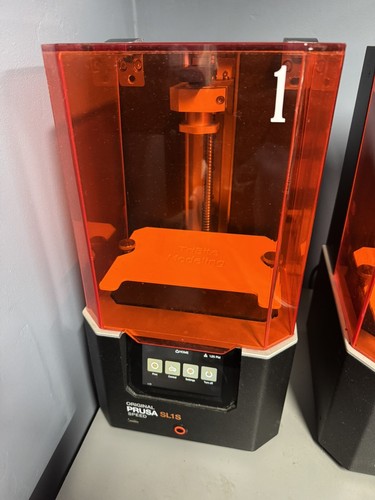
- The build platform lowers into the tank and the printer tilts the tank after each layer, about three seconds a tilt, to peel the layer free. Ask for a photo of the platform. It should be flat and clean.
- Z axis
- Prusa's maintenance advice is to keep the tilt bed clean and, if the platform gets noisy, to put lubricant on the trapezoidal rod. Ask the seller to run the platform and the tilt from the menu. Both should be quiet and smooth.
- Firmware and account
- It runs Prusa's open-source SL1S firmware, with Wi-Fi, LAN and Prusa Connect. A factory reset is under Settings, Firmware, Factory reset on firmware 1.5.0 or later, and it clears the statistics, so check them before the seller resets it.
- Add-ons
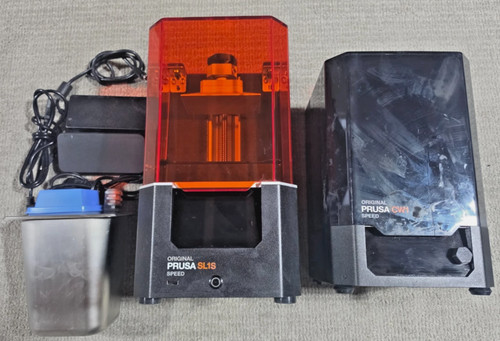
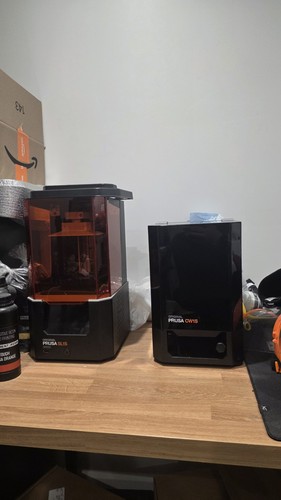
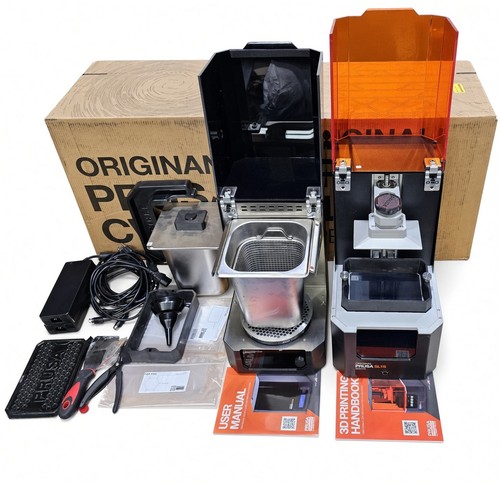
- Prusa designed it to pair with the CW1S wash, dry and cure station, sold separately. A CW1S in the box is a real extra, but price the printer on its own.
- Spare parts
- Prusa's shop has an SL1 and SL1S spare-parts section, with the mainboard, print platform, lid, UV LED and tilt motor. Prusa also publishes owner guides for replacing the print display and the FEP film.
- Shipping and packaging
- Prusa's packing guide removes the tank, lays thin cardboard over the LCD, screws the tank back on over it, lowers the tower halfway and packs the platform in bubble wrap inside the tank. Ask the seller to follow it.
Check the listing photos against these lists, and ask the seller about anything you can’t see. A missing sheet, add-on or power supply should come off the price.