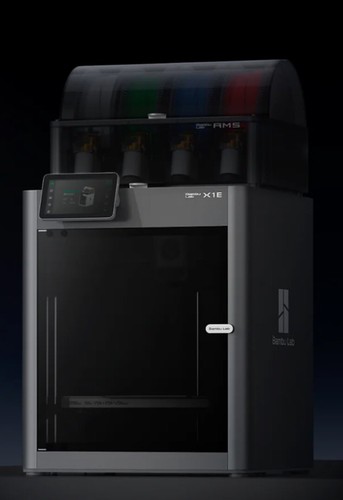
- Print hours
- As an X1-series printer it shows device usage time under Settings, then Device and Serial Number, so the hours question has a real answer.
- Hotend and nozzle
- The X1E has its own hotend assembly, which doesn't fit X1 or P1 printers. Ask what nozzle is fitted and whether a spare hotend comes with it.
- Bed and levelling
- It shares the X1 series' lidar and force-sensor levelling. Ask for a photo of a recent first layer and of the build plate's surface.
- Belts, rails and screws
- It's a CoreXY on the X1 chassis, and it's looked after the same way. The carbon rods get alcohol and never grease, and the Z lead screws get grease every three months. Ask how it was maintained.
- Firmware and account
- It has both 100 Mbps Ethernet and 2.4 GHz Wi-Fi, with a physical switch for each, and it supports enterprise Wi-Fi with certificates. It runs Bambu's X-series firmware with the 2025 authorization system. Ask for a factory reset before shipping to remove the seller's account, and for any company network certificates to be removed.
- Enclosure and add-ons
- The chamber heater runs from 40 to 60 °C and is off by default. Bambu says X1 Carbon and P1 printers can't be fitted with it or the wired network module, so you can't build an X1E from an X1 Carbon. An X1E Combo with the AMS was sold too.
- Spare parts
- Bambu's X1-series spare-parts store and wiki guides cover the shared parts. The hotend assembly is X1E-specific, so check it's available before you buy one with a damaged hotend.
- Shipping and packaging
- It packs like the X1 series, with foam under the lowered bed, the toolhead wrapped in the top right corner, and the heatbed fixed with three screws. Ask whether the original box and foam come with it.
Check the listing photos against these lists, and ask the seller about anything you can’t see. A missing sheet, add-on or power supply should come off the price.